PeerMarker

Accelerated language development through peer-to-peer marking of written assignments. Autograde these written assignments for the teacher.

How does it work?

Educator
Create
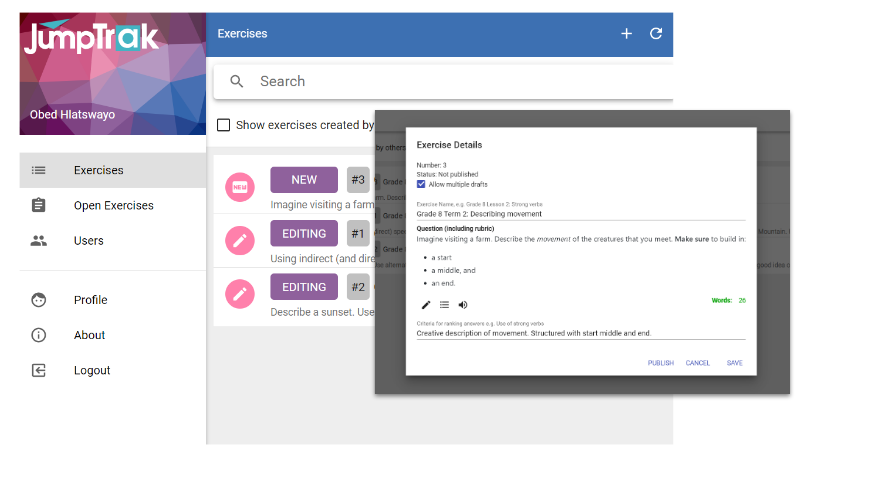
Create an exercise and publish it to your class.

Optionally, provide a rubric to guide the peer-review and ranking of the submitted answers
Student
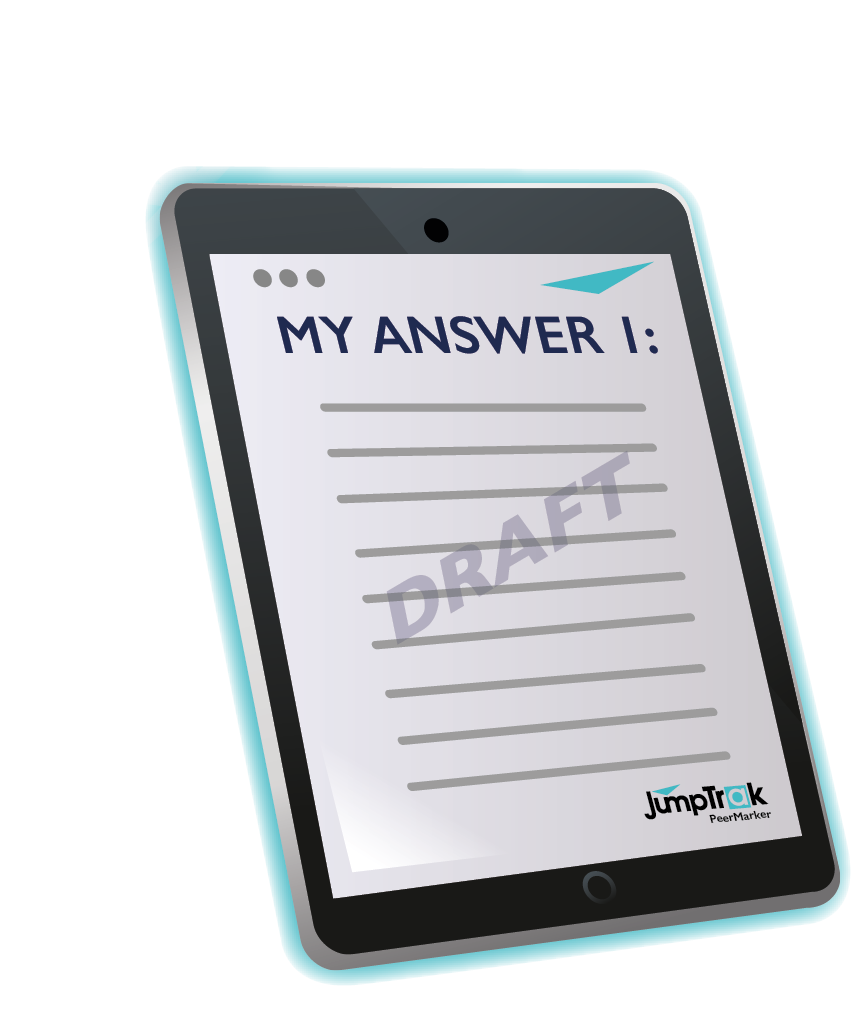
First Draft Submission
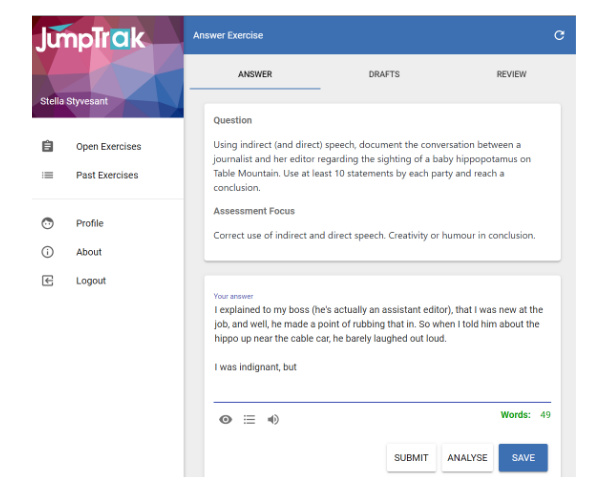
Each student submits their initial drafts for peer-review.

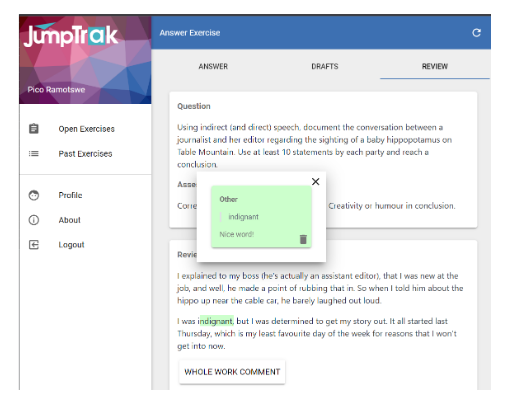
They, too, review their peer’s work and annotate constructive feedback.
Peer Reviews
Drafts are peer reviewed.

Students evaluate feedback and can submit one or more drafts for review.
Student
Final Submission
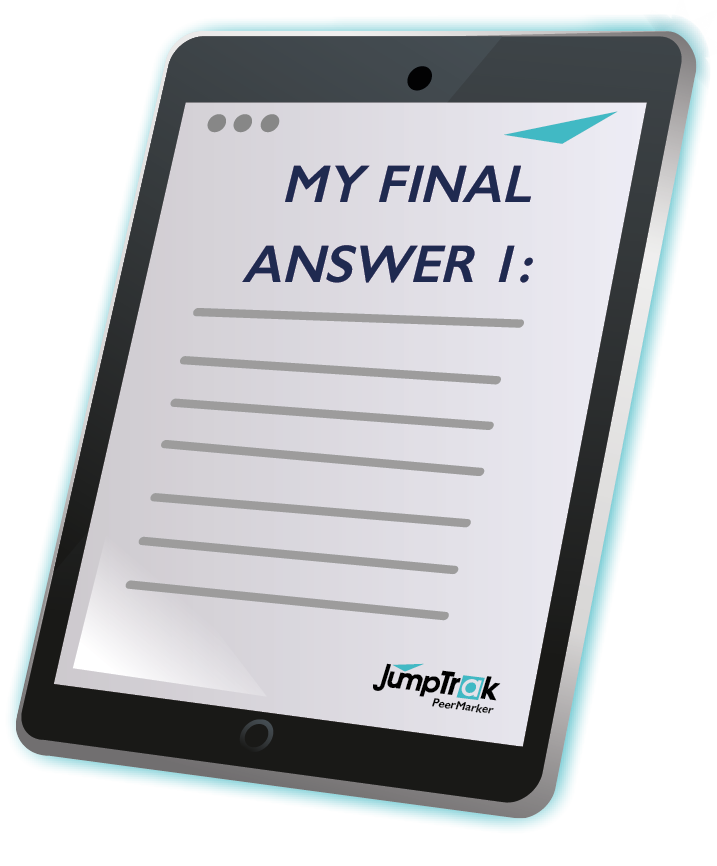
Students submit their final drafts.

Final answers are submitted for peer-ranking.
Peer Ranking
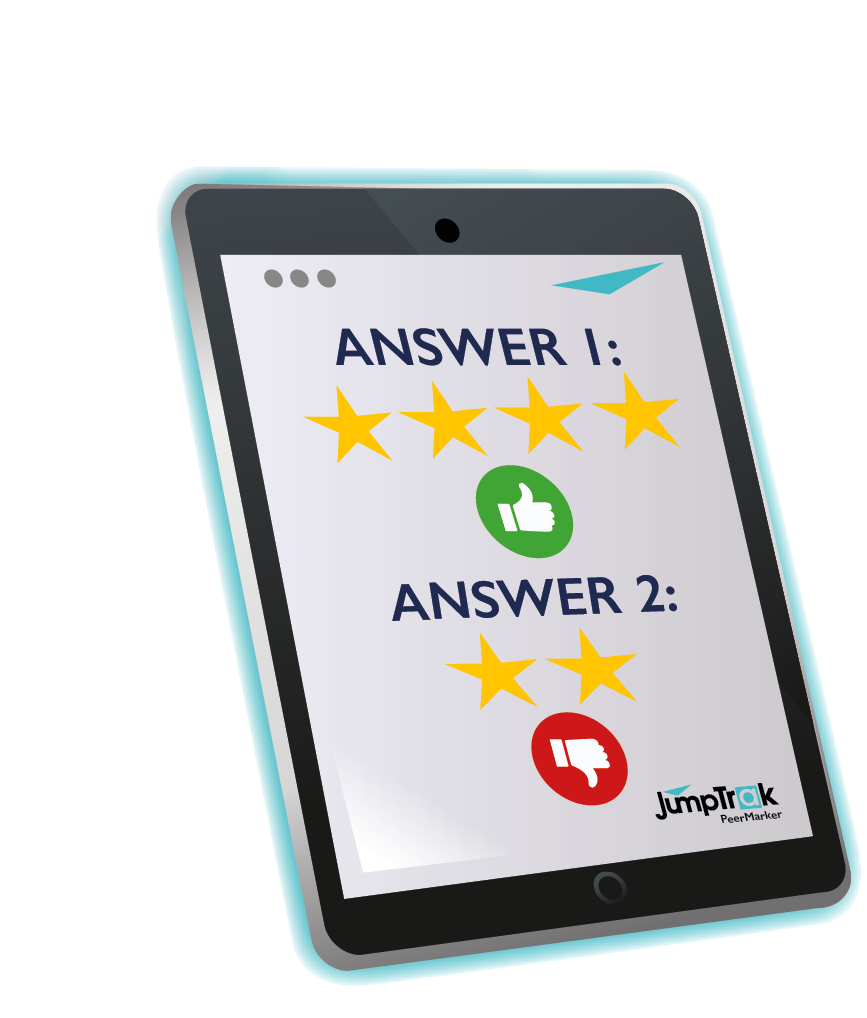
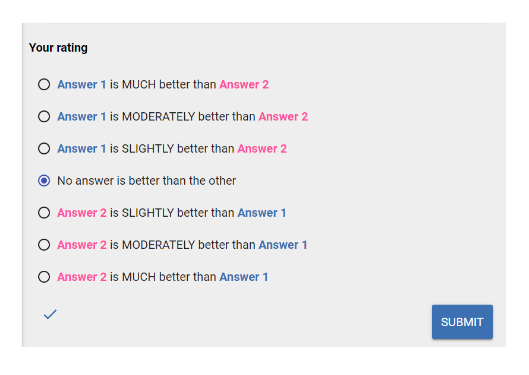
Students can now rank a few of the answers from their peers.
Educator Grading
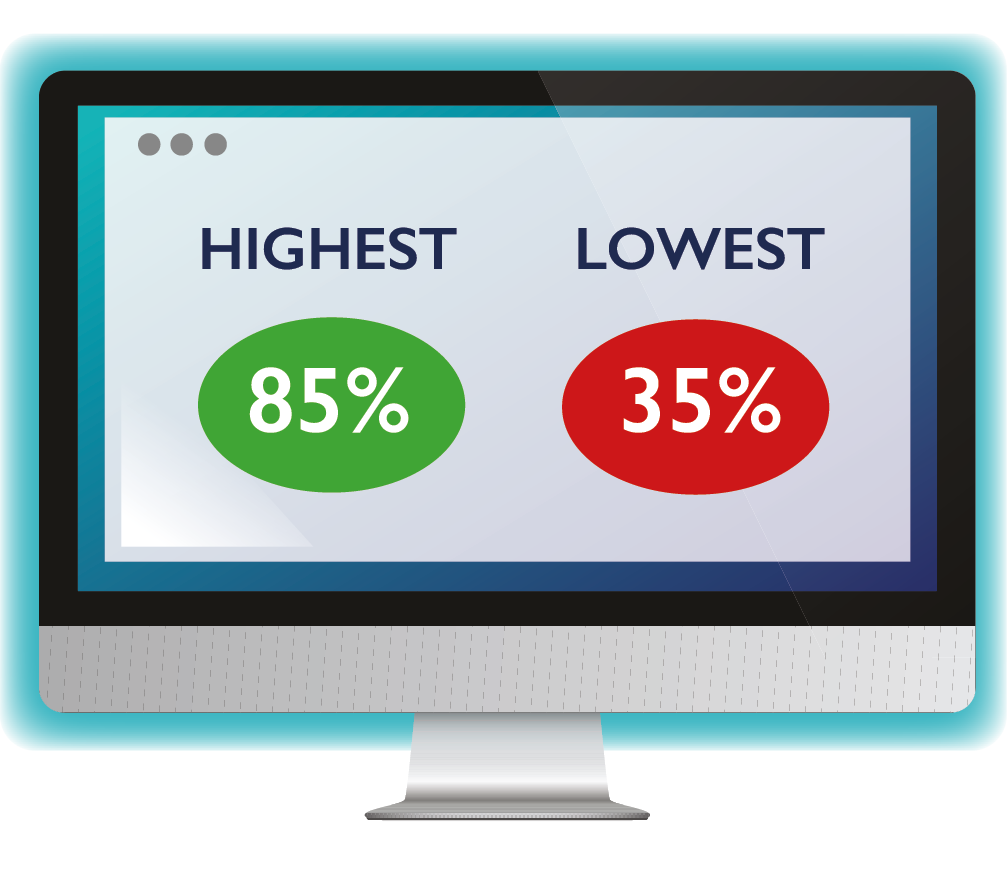
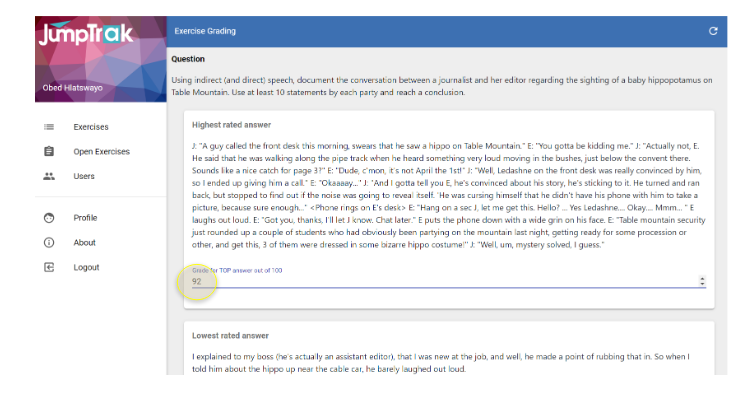
Educators now get to mark two answers. The highest and lowest ranked responses.

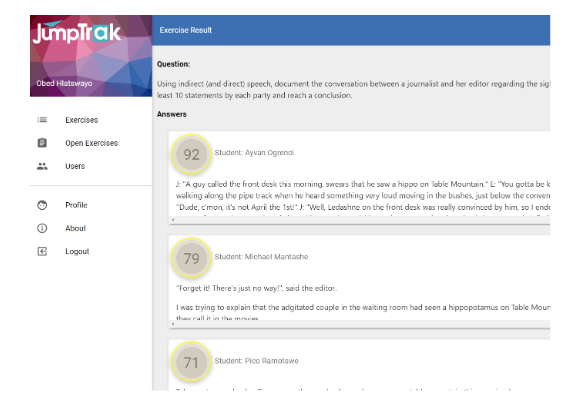
JumpTrakTM grades the rest.
Auto Grading
JumpTrak grades the rest

Teachers set exercises

The teacher creates the exercise.

Learners open an exercise and create a draft for review

The learner’s submit a first draft and send it for peer review.

Once submitted, others can review it

Learner review their peer’s submissions anonymous, adding positive and constructive annotations against a simple rubric.

Learners can apply peer feedback and submit new draft submissions for a subsequent round reviews.

Learners perform ranking by saying which is better

The teacher initiates peer ranking where learners score anonymous submissions against each other.

Educator marks the selected top and bottom draft submissions

The teacher concludes the ranking and is presented with the top and bottom ranked submissions. The teacher gives these an educated mark.

JumpTrak™ completes the Grading

JumpTrak™ then completes the process by assigning a grade to each assignment from it’s ranked peer reviews and the teacher’s marked responses.